
Getting to grips with our API
Before using our API you will need to login to our platform and generate an API key.
This can be done by going to your setting and to the integrations tab and creating a new API key by clicking on the "Generate a key" button in the top right.
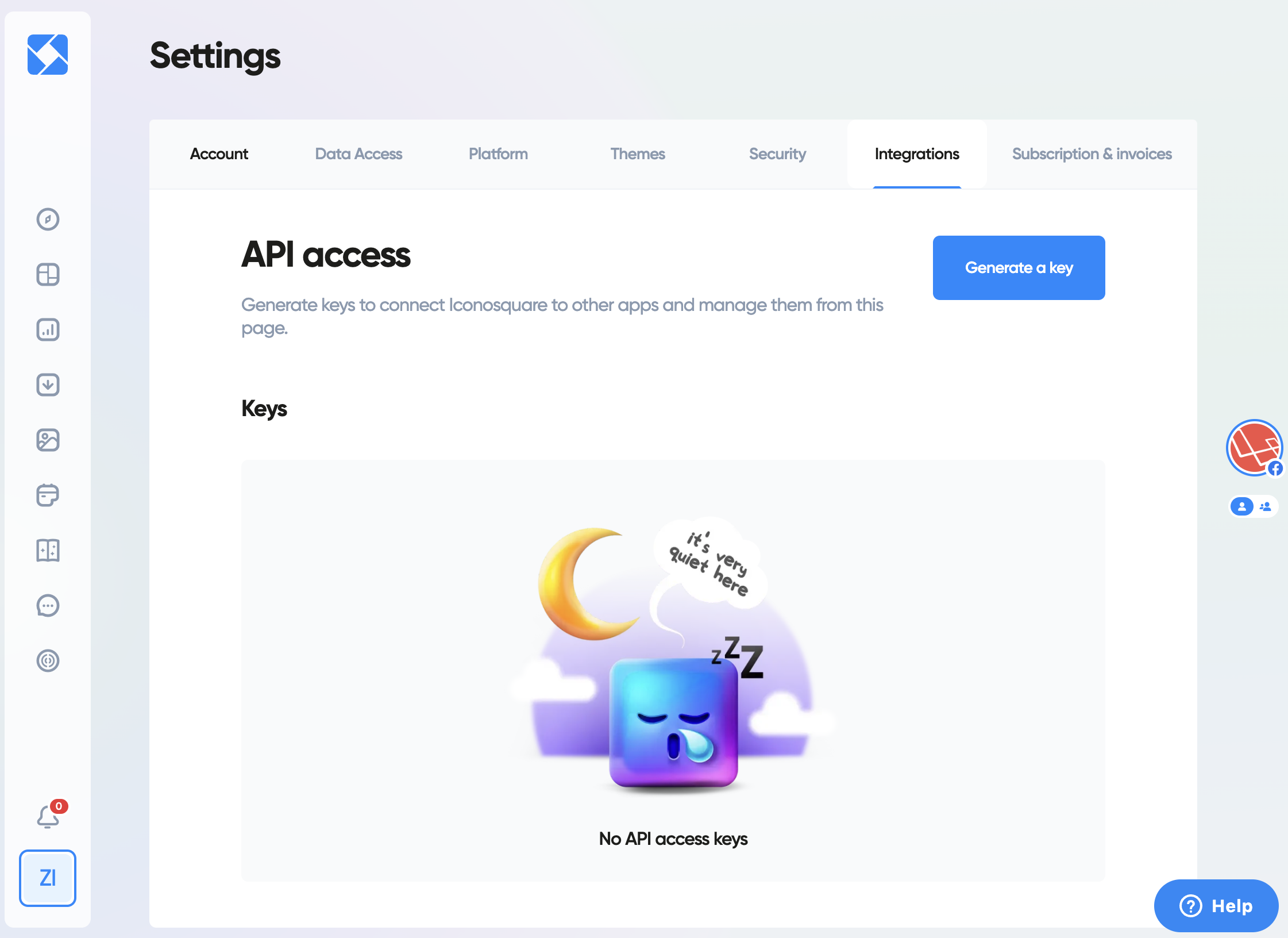
Once completed the next step is to query the API, you can do that with the following CURL to check that everything is working fine
curl https://api.iconosquare.com/public/v1/social-profiles \
	-H "Authorization: Bearer 4eC39HqLyjWDarjtT1zdp7dc
Having trouble getting it to work ?
Try checking out our Errors page to see if the error code is listed. If you are getting authentication errors, make sure your API Key is correct, that you have specified "Bearer" before and that there are no typos in the header name.